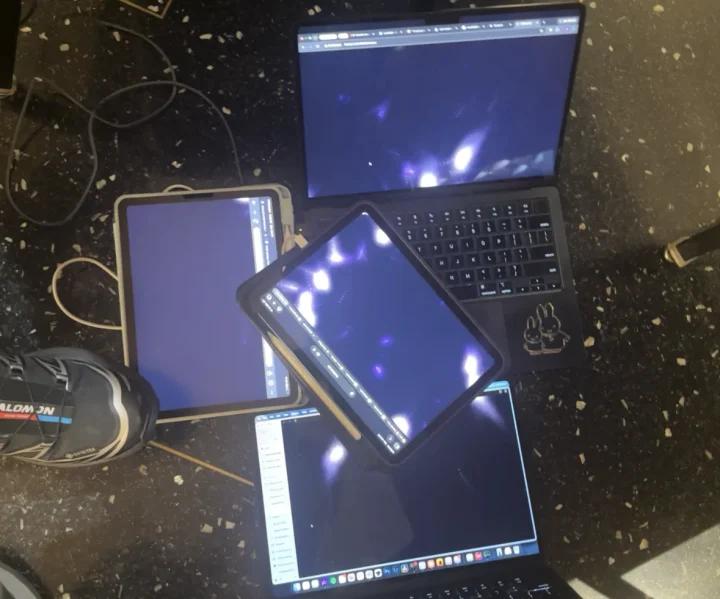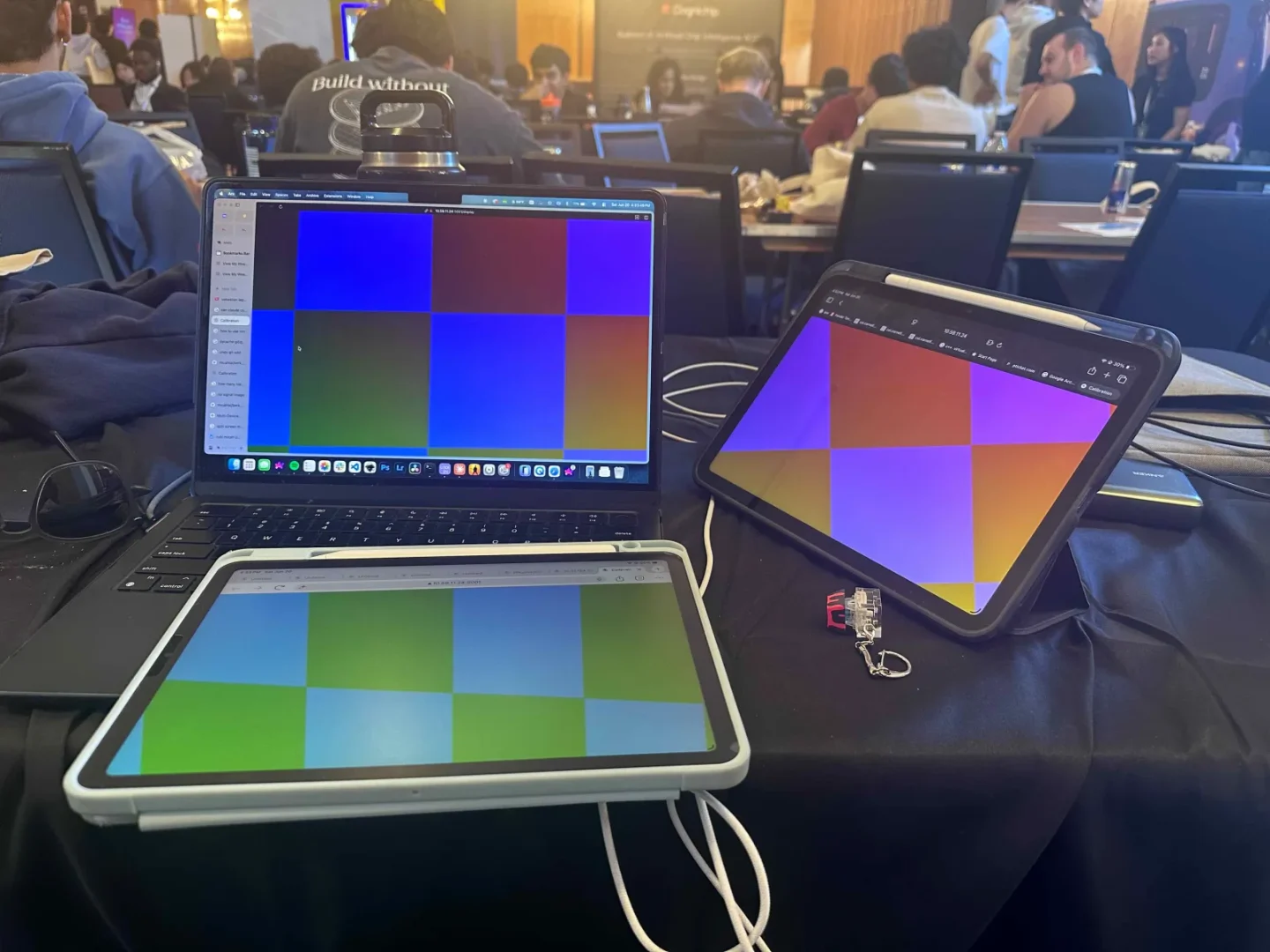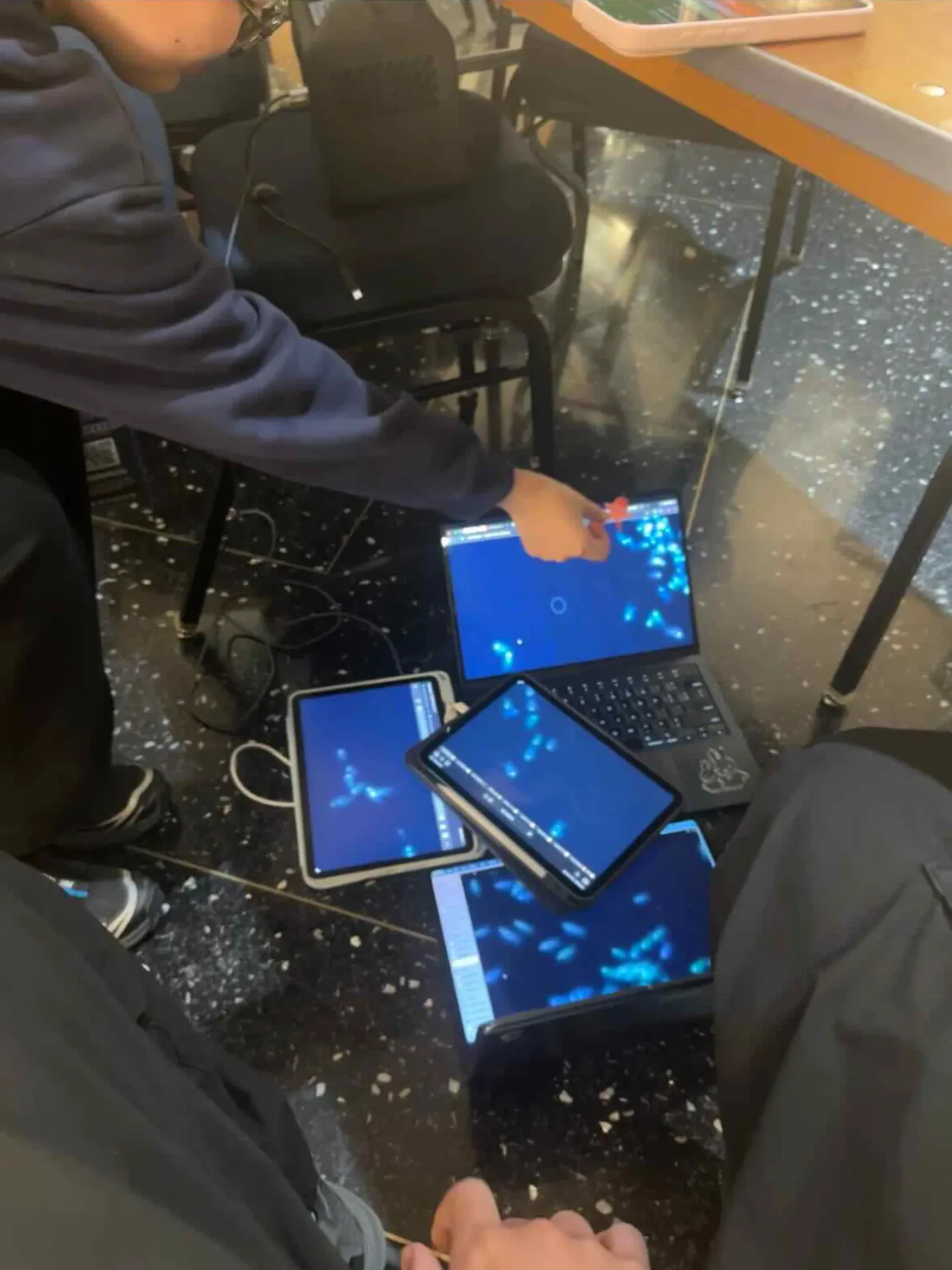
Screen Mosaic turns a pile of laptops, tablets, and phones into one coordinated canvas: content is projectively warped per screen so that — viewed from where a single calibration photo was taken — every display lines up into one continuous image, however skewed the screens actually sit.
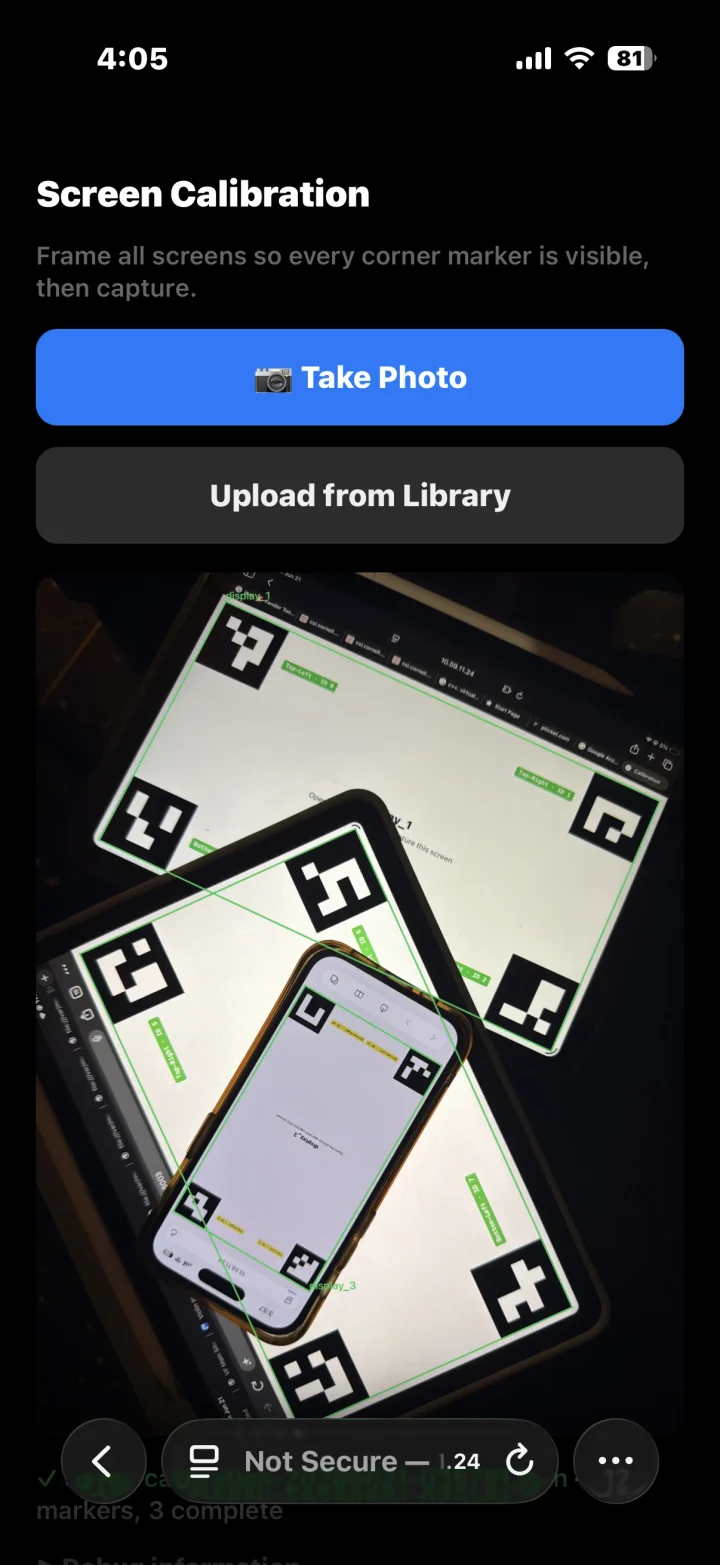
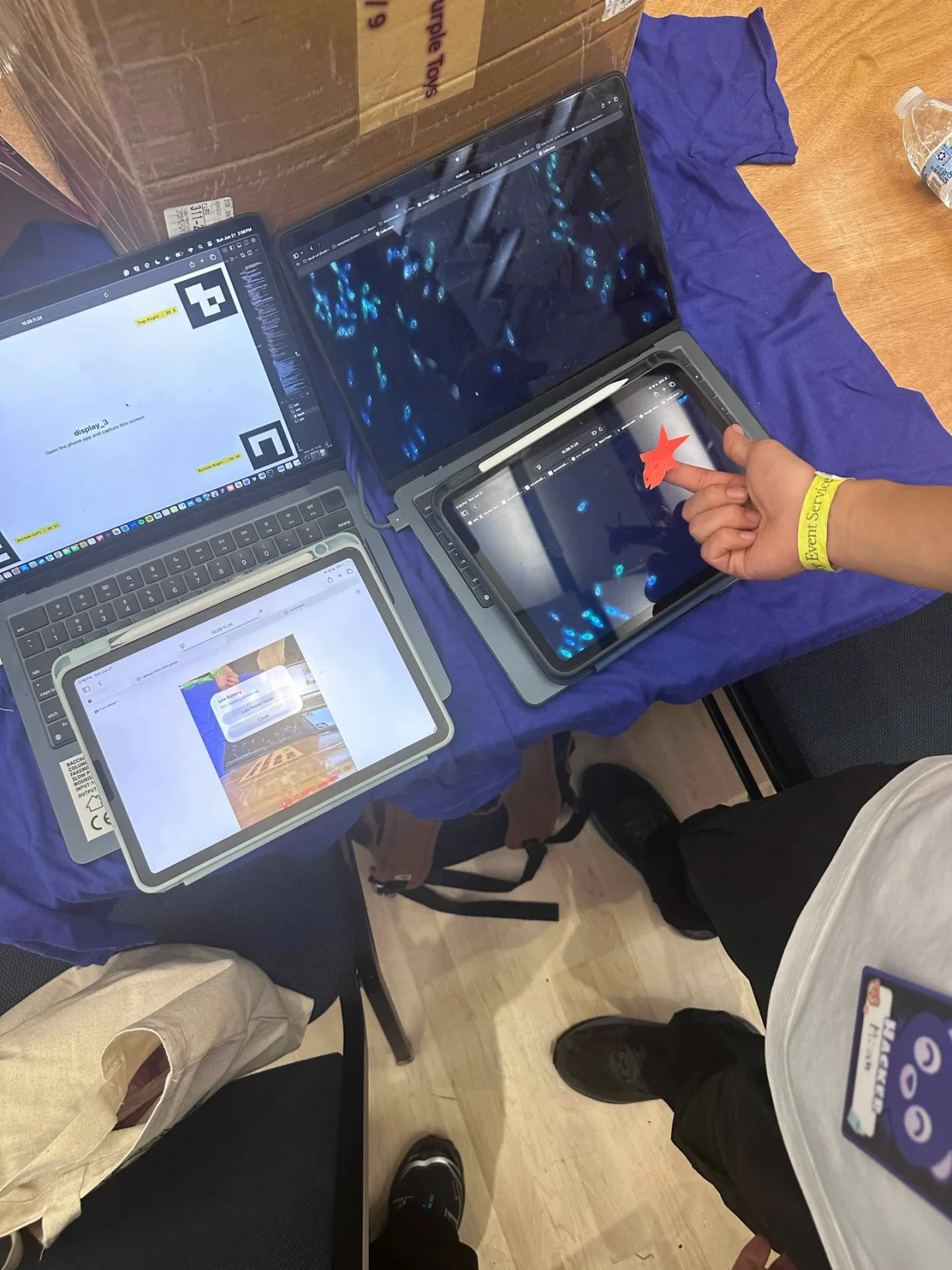
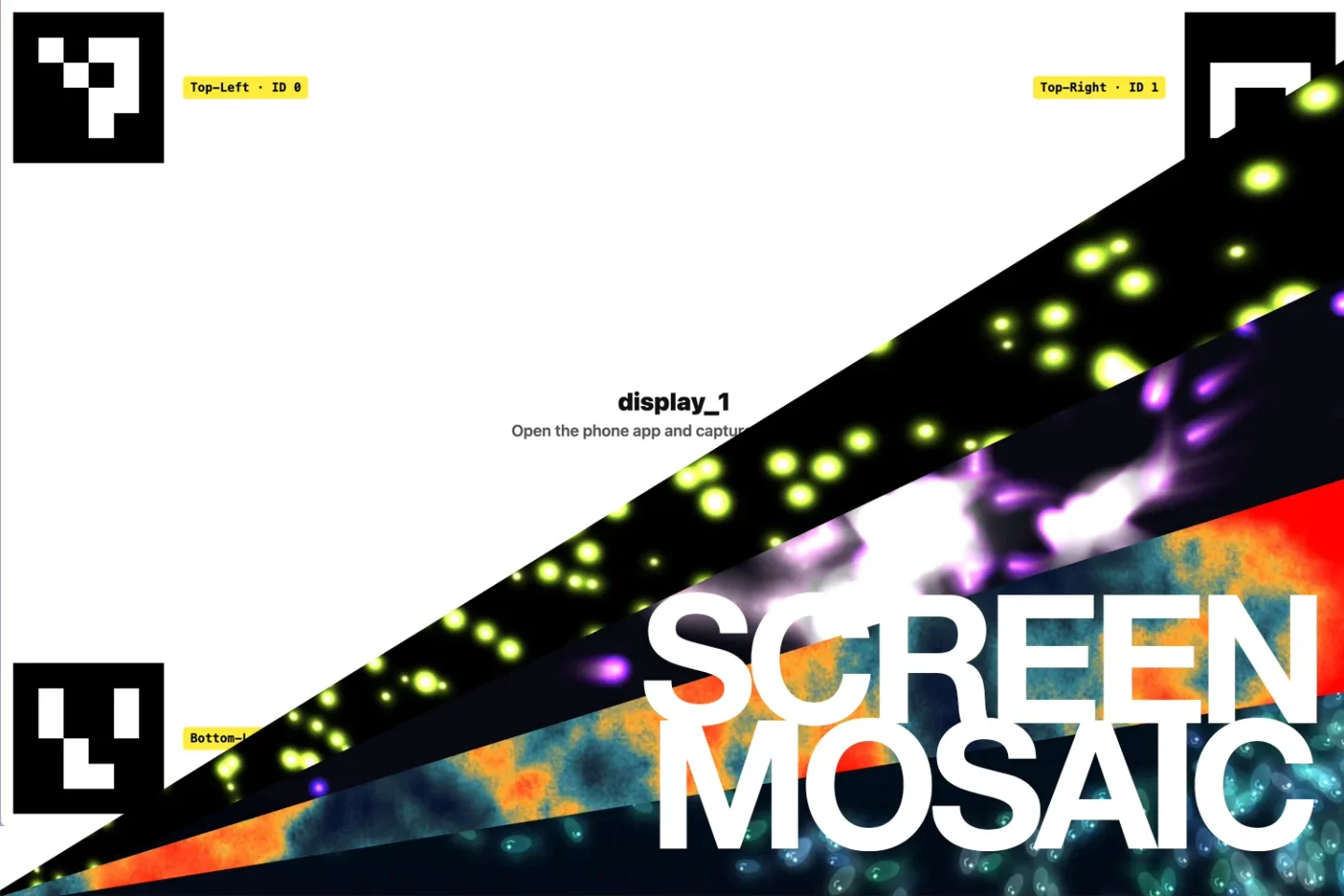
ArUco markers on each screen → one phone photo → per-screen corner recovery → projective warp → one continuous canvas- Calibration — each screen opens a web page showing four ArUco markers in its corners; you photograph all of them from one spot with your phone, and the host recovers each screen’s corners from that single photo.
- Host — a Python/Flask server running two web apps: a “screen slave” page each display opens (auto-claiming its marker IDs), and a phone app that drives calibration and picks what to show.
- Content — a UV gradient, an uploaded image (fill or fit across the screens’ bounding box), and live visualizations rendered server-side (GPU when available) and streamed as MJPEG before being warped per screen: flow-field particles, a stable-fluids smoke/fire sim, cursor-chasing charge particles, and fish/bird boids flocking sims.
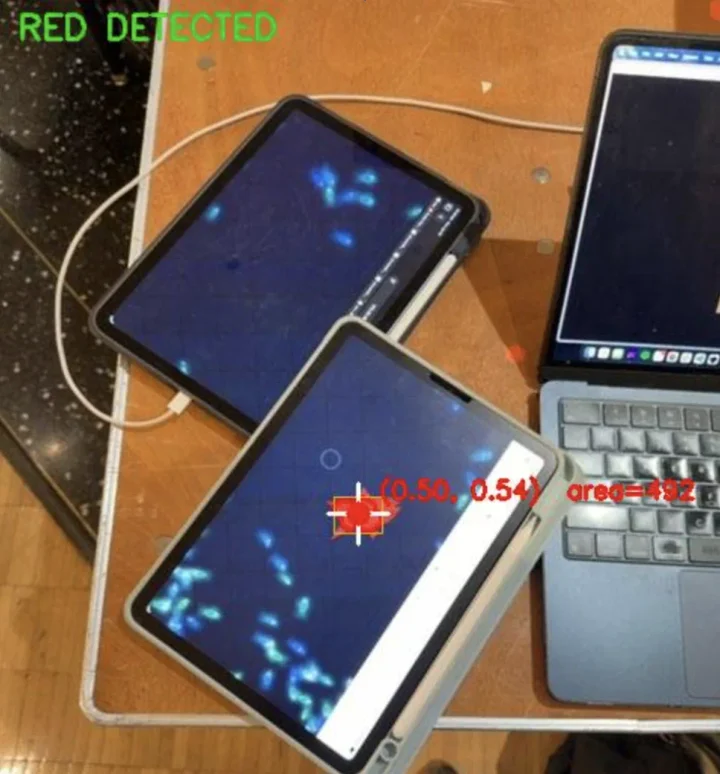
- Hand control — a red sticker on your hand is tracked from the phone’s camera stream via HSV blob detection, and its position feeds the sim — fish flee it like a predator, charges chase it as a cursor.
- Live calibration — a camera (phone or a host-connected device) continuously watches smaller on-screen markers and updates each screen’s warp at 24 fps, holding the last good warp when a screen leaves frame. Because browsers require a secure context for camera access, the host also serves HTTPS with a self-signed cert alongside plain HTTP.
- Plugins — dropping a new file into the visualizations package registers it, and it appears in the phone’s dropdown automatically.
All geometry stays in the photo’s own 2D space; no real-world depth or pose is estimated, which keeps the whole pipeline down to one photo and some homographies. Built at a hackathon in June 2026.